Power BI Desktop Integration
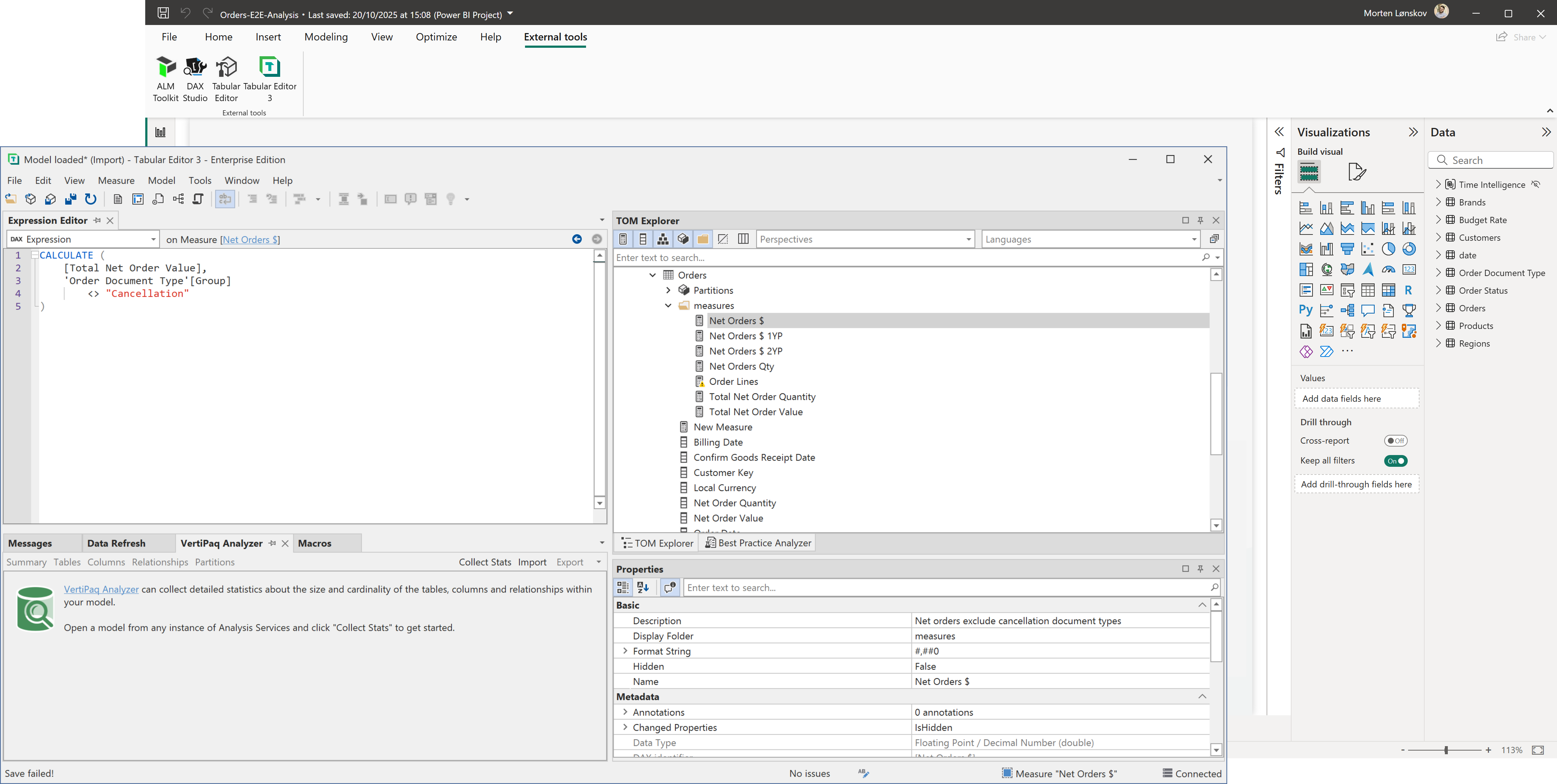
Power BI Desktop supports External Tools which allows Tabular Editor to perform modeling operations when working with Imported or DirectQuery data in Desktop.
Prerequisites
- Power BI Desktop (July 2020 or newer)
- Latest version of Tabular Editor
Also, it is highly recommended that automatic date/time is disabled (Power BI Desktop setting under "Data Load").
External Tool architecture
When a Power BI Desktop report contains a data model (that is, one or more tables have been added in Import or DirectQuery mode), that data model is hosted inside an instance of Analysis Services managed by Power BI Desktop. External Tools may connect to this instance of Analysis Services for different purposes.
Important
Power BI Desktop reports that use a Live Connection to SSAS, Azure AS or a dataset in a Power BI workspace do not contain a data model. As such, these reports can not be used with external tools such as Tabular Editor.
Important
Power BI Desktop reports that directly edits a Direct Lake or other model Fabric do not contain a data model. Instead, Tabular Editor will open the model directly from the service which is essentially what Power BI Desktop also does.
External tools may connect to the instance of Analysis Services managed by Power BI Desktop through a specific port number assigned by Power BI Desktop. When a tool is launched directly from the "External Tools" ribbon in Power BI Desktop, this port number is passed to the external tool as a command line argument. In Tabular Editor's case, this causes the data model to be loaded in Tabular Editor.
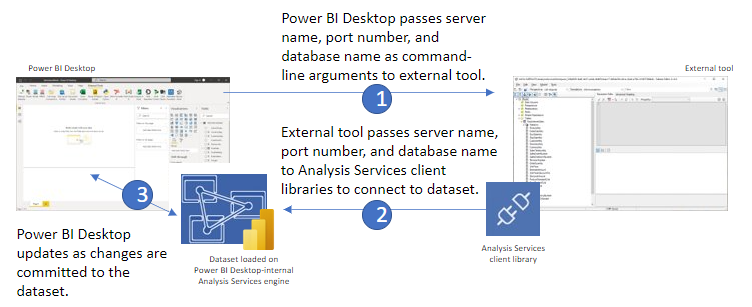
Once connected to the instance of Analysis Services, an external tool can obtain information about the model metadata, execute DAX or MDX queries against the data model, an even apply changes to the model metadata through Microsoft-provided client libraries. In this regard, the Analysis Services instance managed by Power BI Desktop is no different from any other type of Analysis Services instance.
Supported Modeling Operations
As of the June 2025 Power BI Desktop update, there are no longer any unsupported write operations. In other words, third party tools can now freely modify any aspect of the semantic model hosted in Power BI Desktop, including adding and removing tables and columns, changing data types, etc. However, if you're using a version of Power BI Desktop prior to the June 2025 update, please view the limitations in the [Desktop Limitations](xref: desktop-limitations) article.
More information in the official blog post.